Welcome to Mindmup

Made for mind mapping. That’s it.

Just pure, fast mind mapping. It’s the closest thing to writing on a napkin – if that napkin didn’t suck.

Choose how your ideas take shape.

From freeform to focused – create, share, and publish online mind maps in multiple layouts and styles, for free.

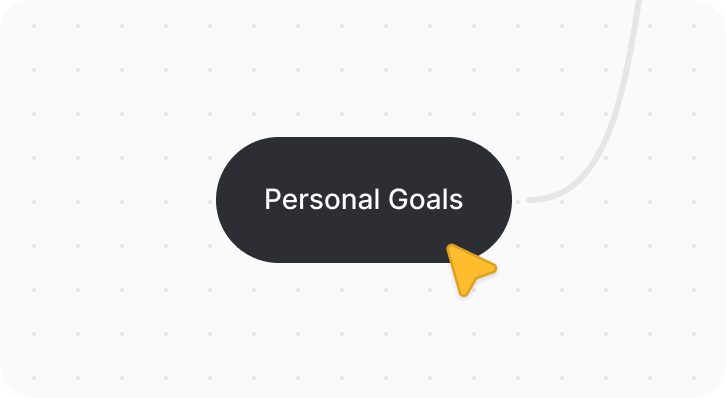
Toss in ideas, connect the dots nodes, make a mess – it's your space to think without rules.

Create a free mind map

Only the good stuff.

Feels light when you’re working solo. Feels powerful when you’re not. Focused, flexible, and lean on purpose.

Customize maps

Total stylistic control from map to node. Layout, color, shape, and more – with rethought tools built for speed and flexibility.

Take notes

Great for individual note-taking. Expand on ideas, build outlines, or draft content – then export clean text to keep writing in your favorite editor.

Collaboratesoon

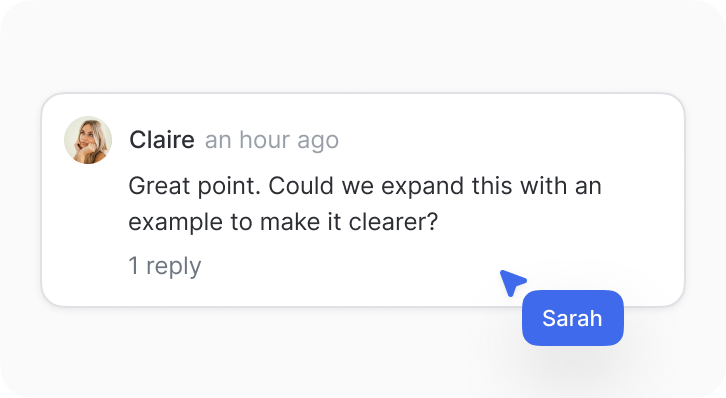
Work together in real time. Built for collaborative planning, teamwork, and classrooms. Co-edit maps, follow others, or lead with everyone synced to your view.

Publish and share

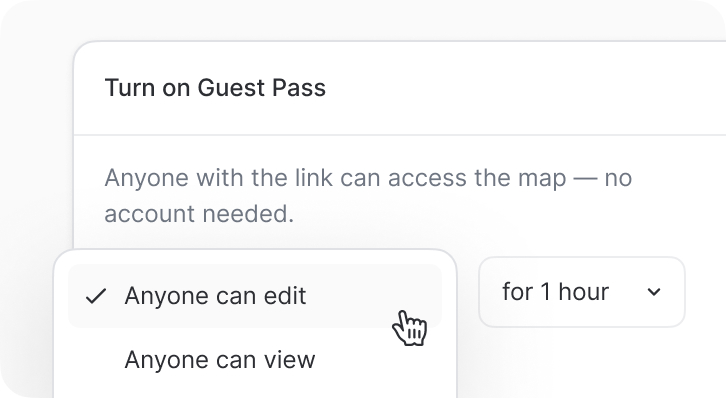
Share maps with members, teams, or classrooms – or grant temporary access with a Guest Pass (no login or account needed). Fast and frictionless.

Presentsoon

Turn any map into a clean, dynamic presentation. One click. No dragging, no slide building – and you still control the flow.

Built for thinkers…

Tailored for individuals. Ready for teams. Trusted by educators and classrooms around the world.

For individuals

For individuals

Thoughtfully made for solo use first – so you can think, plan, and create without friction.

For small teams

For small teams

Bring others in when it makes sense – comment, react, and collaborate in real-time without breaking your flow.

For educators

For educators

Skip the sign-ups and logins with Guest Pass – your class joins instantly. Google Drive and SSO when you need them.

…and tinkerers.

From version history to Google Drive storage – small, smart touches that make the whole thing feel complete.

Media & attachments

Add images, files, videos, and spreadsheets – even link project documents from Google Drive to keep everything in one place.

Export & publish

Export high-res PDFs, PNGs, JPGs, and more – or publish maps online with images, metadata, and formatting designed for easy sharing.

Version history

Track every edit, revisit old ideas, or undo a change – full version history is always just a click away.

Keyboard shortcuts

Fly through your mind maps with powerful keyboard shortcuts that help you work faster, smoother, and distraction-free.

Privacy & admin controls

Admins can manage sharing and publishing settings across the entire organization, with built-in support for Google and Office 365 sign-in.

Google Drive storage

Store maps exclusively in Google Drive – ideal for schools or orgs with strict cloud compliance policies.

Single sign-on (SSO)

Organizations can enable SSO – anyone with the same email domain joins automatically, no manual setup needed.

Desktop app

Your maps are always with you – online via the cloud, synced across devices, or offline with the native desktop app.

Mind mapping
as easy as 1...2...3.

One click and you’re in. No sign-up. No setup. No nonsense. No, really – see for yourself.

Create a free map