Resizing Nodes
You can resize nodes to make larger maps easier to read and better arranged for printing.
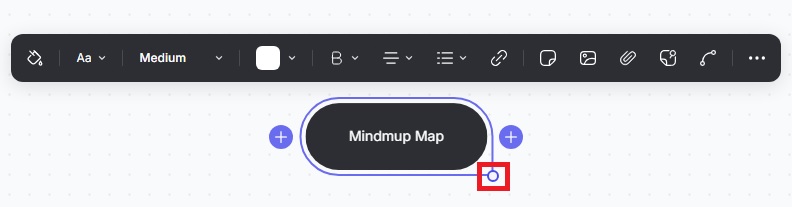
Click the node, hover over the right circle, and you’ll see the mouse pointer change to a double-sided arrow. Drag it to resize the node to the width you want.