Adjust Node Corner Rounding for the Whole Map
Mindmup now makes it easy to control the corner rounding for all nodes in a map at once. This helps you style your map consistently without adjusting each node individually.
Set corner rounding for the map
- Go to Mindmup icon › View › Customize layout & style.
- Scroll to the Shape section.
- Choose Small, Medium, Large, Round, or Custom to set the corner style for all nodes.
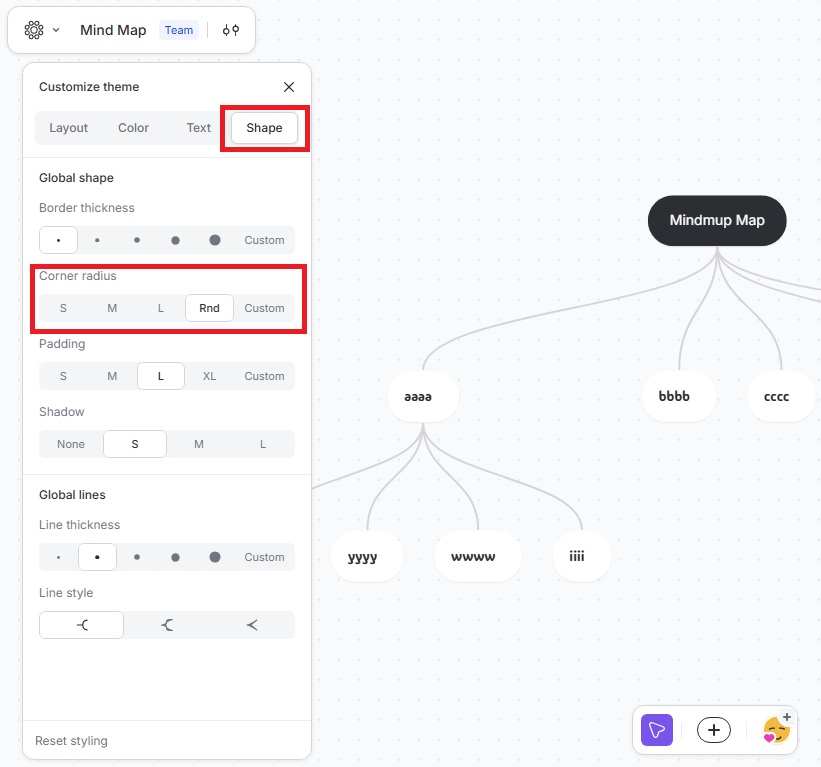
This lets you quickly give your map a polished, uniform look.