Use Stickers to Highlight and Organize Ideas
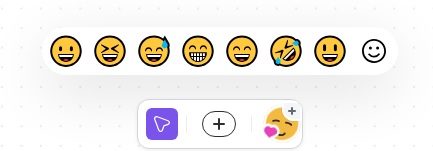
Stickers are small visual icons that appear next to node text. You can use them to show importance, relationships, or priority at a glance. Mindmup includes hundreds of stickers, from symbols and emoticons to people and objects.
Unlike embedded images, you can assign more than one sticker to a node. Stickers are built into Mindmup, so they don’t significantly increase map size. This makes them especially useful if you’re working within the Starter plan limits.
Add a sticker to a node
Adding a sticker is quick and simple:
- Click the Stickers icon
- Browse or search through the available stickers
- Start typing to filter by name
- Drag a sticker onto the node
You can also:
- Click the node you want to edit
- Click the Stickers icon
- Choose a sticker from the list
The sticker appears immediately next to the node text. You can add multiple stickers to the same node if needed.
Remove a sticker from a node
To remove a sticker, just click the sticker itself. It will be removed instantly.
Reuse stickers already in the map
Mindmup also shows stickers that are already used elsewhere in the map. Click any of these to quickly apply them to the selected nodes.