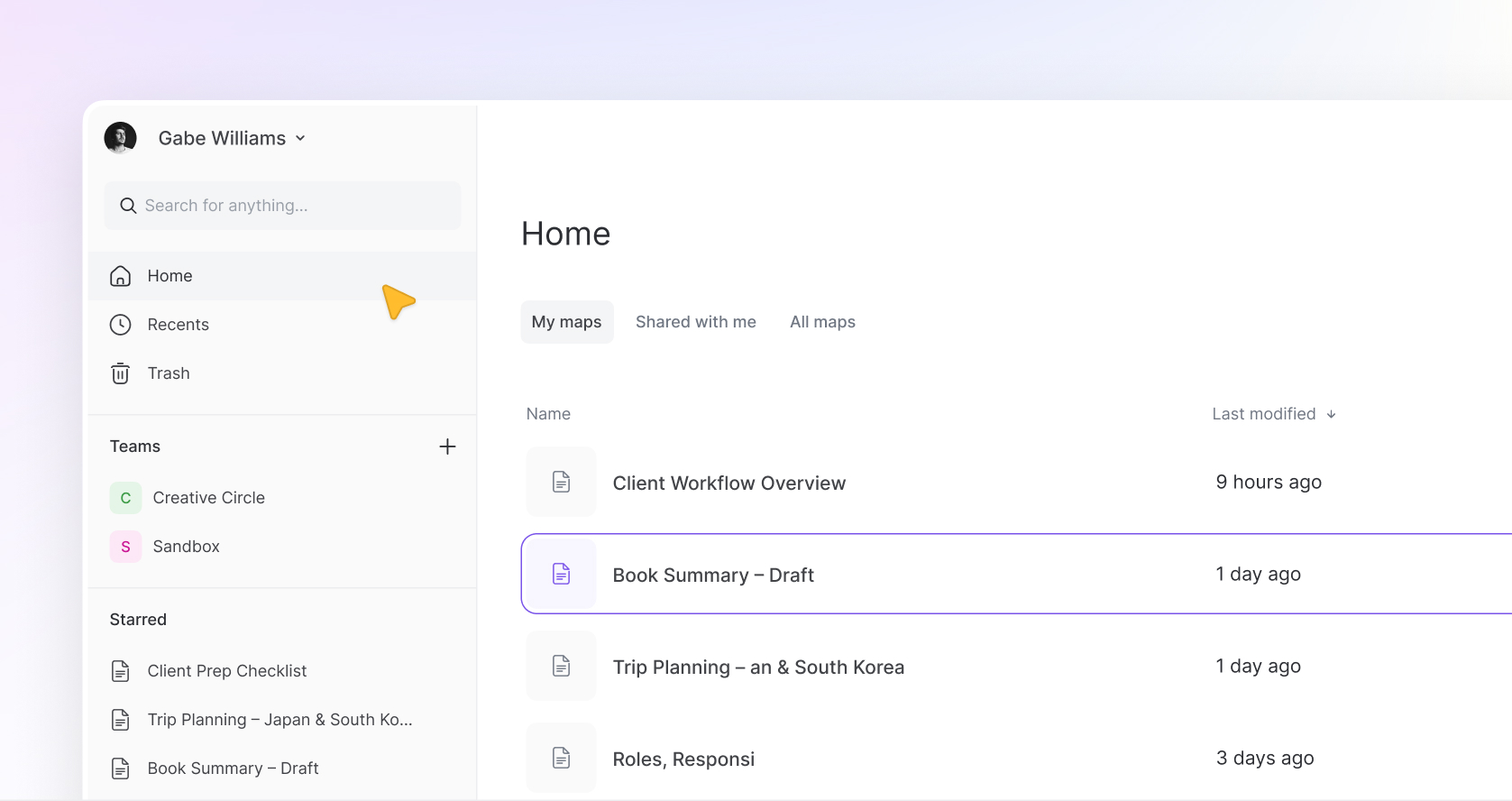
Today we’re sharing the next step in the Mindmup 3 journey.
On April 13, Mindmup 3 will begin replacing the legacy version and become the new standard experience.
The current version of Mindmup has served people well for many years. It’s been a reliable place to think, plan, teach, and untangle ideas. For many people it quietly became part of their daily workflow.
But as we mentioned when we introduced Mindmup 3 during the soft launch, the product had reached a point where meaningful progress required a new foundation.
Mindmup 3 was built to provide that foundation.
The soft launch gave us time to listen, refine, and improve the new experience while the legacy product continued running alongside it.
Now it’s time to begin the transition.
What Happens on April 13
Starting April 13, we’ll begin migrating accounts to Mindmup 3.
When your account is migrated:
- Your maps will move automatically
- Your teams and members will carry over
- Your account settings and history remain intact
In short, the work you’ve built in Mindmup stays with you.
Mindmup 3 simply becomes the environment where that work continues.
The legacy version will then gradually be phased out as accounts transition to the new platform.
What Will Feel Different
Mindmup 3 wasn’t designed to reinvent mind mapping.
The goal was to preserve what made Mindmup valuable, while modernizing the parts that had quietly aged over time.
The experience should feel familiar, but noticeably smoother.
You’ll see:
- A cleaner, faster editor
- Simpler team management
- More predictable sharing
- A modern foundation that allows us to continue evolving the product
The core experience of building and working with maps remains intentionally recognizable.
What About the Little Things?
We know a lot of what makes Mindmup useful isn’t just the big features. It’s the small details. The shortcuts, the tiny interactions, the things you’ve gotten used to over time.
Most of those are already part of Mindmup 3.
Some are still being finalized and will be carried over in the next couple of weeks as we continue refining the product.
And if we missed something you rely on, let us know. We’ll make sure it’s brought back in a way that fits the new foundation.
Teams and Sharing
One of the biggest structural changes in Mindmup 3 involves Teams — formerly known as Groups (more on that below).
Teams
In the legacy version of Mindmup, teams were effectively split depending on role.
- Owners had their own teams.
- Admins had their own teams.
Maps created inside those teams were only visible if the other person was explicitly invited. This meant teams could easily drift into separate spaces even though they technically represented the same group of people.
In Mindmup 3, teams are unified.
Owners and admins now share a single source of truth. They see the same teams, manage the same teams, and see the same maps within those teams.
This removes a number of confusing edge cases and makes team collaboration behave more predictably.
For members of a team or organization account, nothing changes.
Members will still only see the teams they’ve been invited to, and only the maps within those teams they have access to. Access is still controlled by the team structure and roles.
However, because owners and admins now share the same teams, it’s important to review maps that may currently live inside admin or owner teams.
IMPORTANT: If there are maps that were intended to stay private to a single owner or admin, those should be moved to a personal workspace or another appropriate location before migration.
Sharing
When you share a map with an entire team, each member’s access is now automatically determined by their team role. Instead of managing permissions individually, the system follows the structure of the team itself.
The goal is simple: fewer surprises, and a sharing model that behaves the way people expect.
Some Classic Features Are Retiring
As part of the rebuild, a few legacy features will not carry over to Mindmup 3.
These include:
- Measures
- Progress
- Storyboards
Storyboards in particular will be replaced by something better suited to the new foundation.
Soon after launch we’ll introduce Present Mode, which allows maps to be presented more naturally as a sequence of ideas. Instead of manually managing storyboard structures, Present Mode lets you walk through a map as a guided story.
The goal is to make presenting ideas from a map simpler and more intuitive.
Drive-Exclusive Storage
We’re also discontinuing Drive-exclusive storage.
Previously, organization accounts could disable Mindmup Cloud storage and store maps exclusively in Google Drive. In Mindmup 3, this option will no longer be available.
Maps can still be exported to Google Drive or imported from Google Drive, and the Mindmup for Google Drive app will continue to work.
The change simply means maps can be managed either through the Mindmup dashboard (cloud storage) or through the Mindmup for Google Drive app (drive storage). What organizations will no longer be able to do is disable cloud storage while continuing to use the Mindmup dashboard and rely on Google Drive as their primary storage.
Fishbone & Argument Maps
Another change involves the Fishbone map type.
Mindmup 3 is launching without Fishbone support. Existing Fishbone maps will still appear in the system but will be view-only.
We may reintroduce Fishbone in the future depending on demand. In the meantime, if you rely heavily on Fishbone diagrams, we recommend exporting those maps ahead of the migration.
Argument maps are alive and well and will be reintroduced in Mindmup 3 at migration.
Preview Mode Until Migration
If you’ve already explored Mindmup 3 during the soft launch, you’ve been using it in preview mode.
Preview mode exists so you can explore the new editor experience before your account fully migrates.
In preview mode you can:
- Create new maps using the Mindmup 3
- Explore the new editor and interface
Your existing maps will also appear in Mindmup 3, but they are currently view-only.
Editing existing maps still happens in Mindmup 2 until migration.
Billing, account settings, permissions, and sharing also remain managed in the legacy system until migration.
This means you can safely explore the new interface without affecting your existing workflow.
Once your account migrates, everything moves fully into the Mindmup 3 environment.
Pricing
Mindmup pricing has remained unchanged since 2013.
Since the start of the product, our goal has always been simple: to build the best mind mapping tool possible while keeping it as affordable as we could.
But over time, the cost of operating and maintaining the platform has grown significantly.
Because of that, pricing will also evolve as part of this transition.
In the weeks following the full launch of Mindmup 3, we’ll introduce a new pricing structure designed to better reflect how the product is used today.
We’ll share more details soon and will send clear notices before any pricing changes take effect.
For teams and organizations that rely heavily on Mindmup, we’ll also be working directly with customers to help make the transition manageable.
Will Anything Be Lost?
No.
Your maps, teams, members, and account settings will carry over to Mindmup 3 automatically during migration.
You don’t need to export anything or manually move your work. The goal of this transition is simply to move everyone onto the new platform without disrupting the work you’ve already built.
There are a few legacy features including Fishbone that will not carry forward (listed above), but everything else will remain fully intact.
When Will My Account Migrate?
We’ll begin migrating accounts starting April 13.
Migration will happen gradually rather than all at once. Accounts will be transitioned over the course of several days.
Until your account is migrated, you can continue using Mindmup 2 exactly as you always have. However, as a precaution, we recommend avoiding creating new maps after April 13 until your account transitions to the new version.
You’re also free to explore Mindmup 3 in preview mode at any time.
Looking Ahead
Mindmup 3 is just the beginning of that next chapter.
With the new foundation in place, we’ll be able to introduce features that were difficult or impossible in the legacy architecture — including real-time collaboration, improved presentation tools, and carefully designed AI that supports thinking without getting in the way.
But the philosophy remains the same.
Mindmup should stay simple.
It should stay fast.
And it should stay focused on helping people think clearly.
Take a Look
Mindmup 3 is ready to explore.
Your existing work stays exactly where it is until migration.
If you haven’t seen it yet, this is a good time to take a look.